Twitter Annotator
Twitter Annotator is an UI-Prototype for annotating tweets. Currently, it has a dummy back-end to showcase the concept.
While helping a friend to annotate tweets for his research paper, I created this little prototype. It was partly a design challenge and I wanted to show some possible improvements for his UI.
The goal was simplicity and elegance.
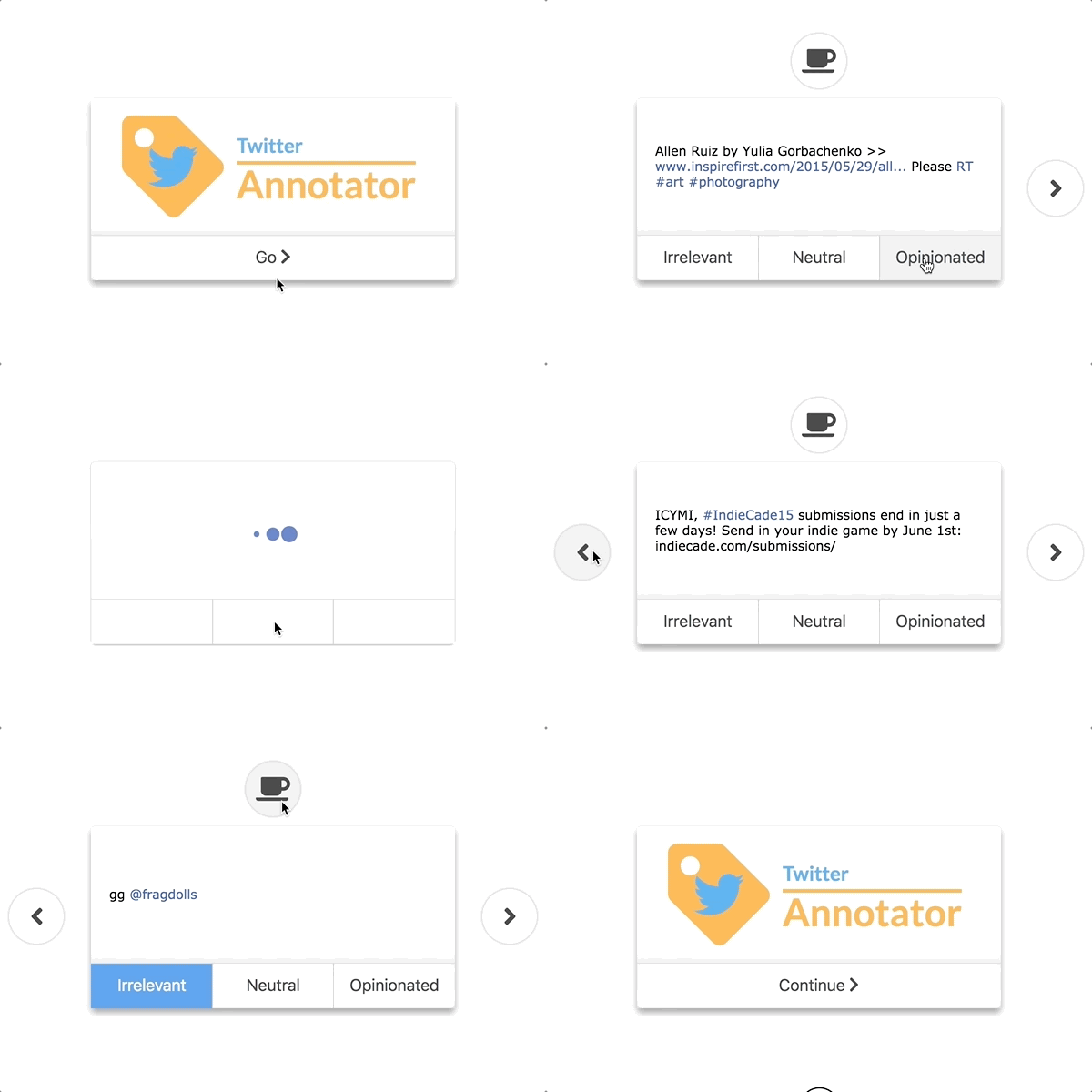
Prototype page
https://renmuell.github.io/TwitterAnnotator/
Features
Over the years this little UI-Demo grew into a playground for testing new browser features and coding/design practices. Below some features are listed.
Responsive design
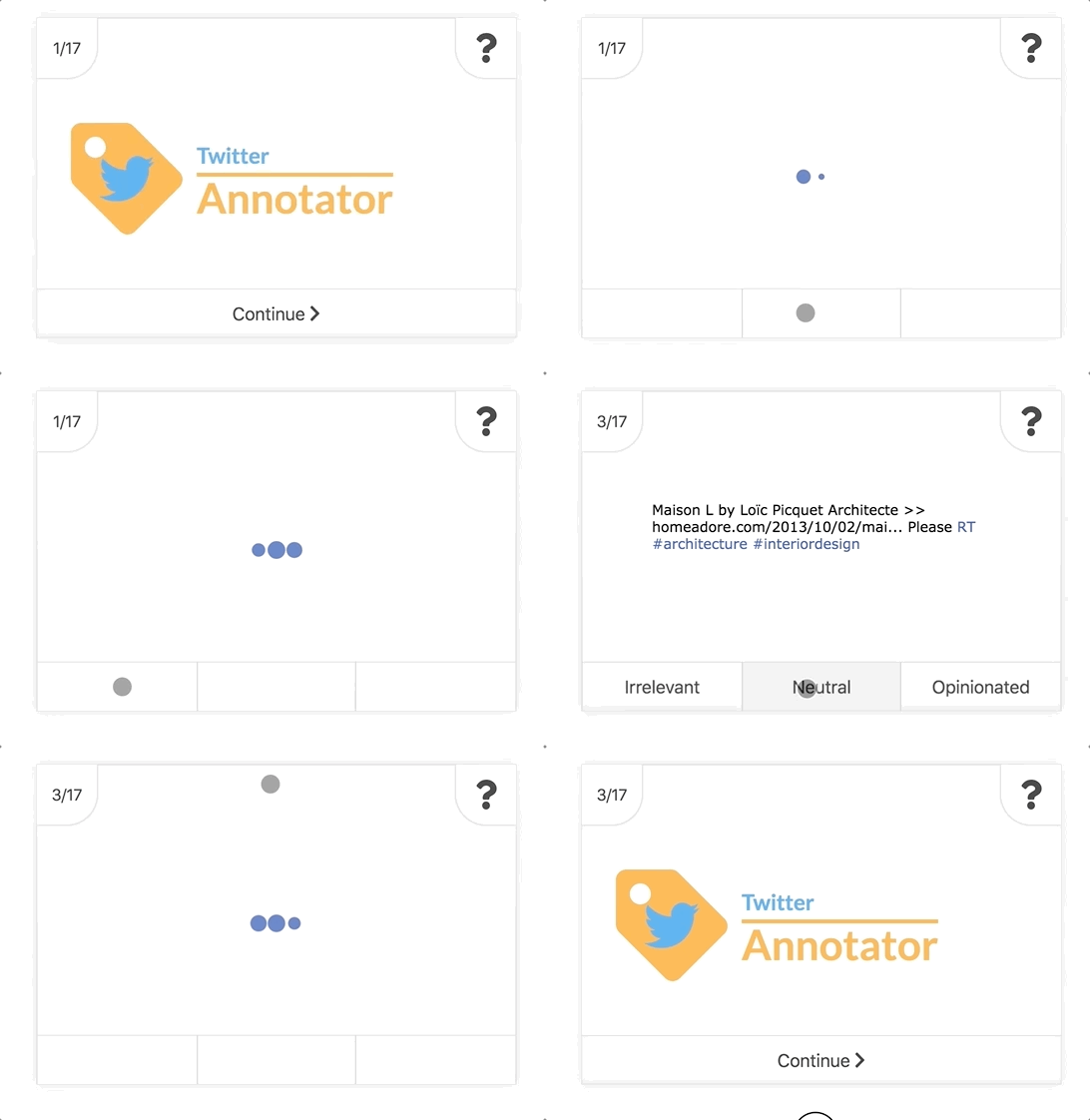
The UI fits the context of use and only needs 320x270 pixels for all his features. It was tested on all popular browsers (chrome, firefox, internet explorer, edge) on the desktop (mac & windows) and mobile devices (apple & android) with different sizes. It requires JavaScript and Stylesheet to work and will warn the user if either is missing.
Browser history support
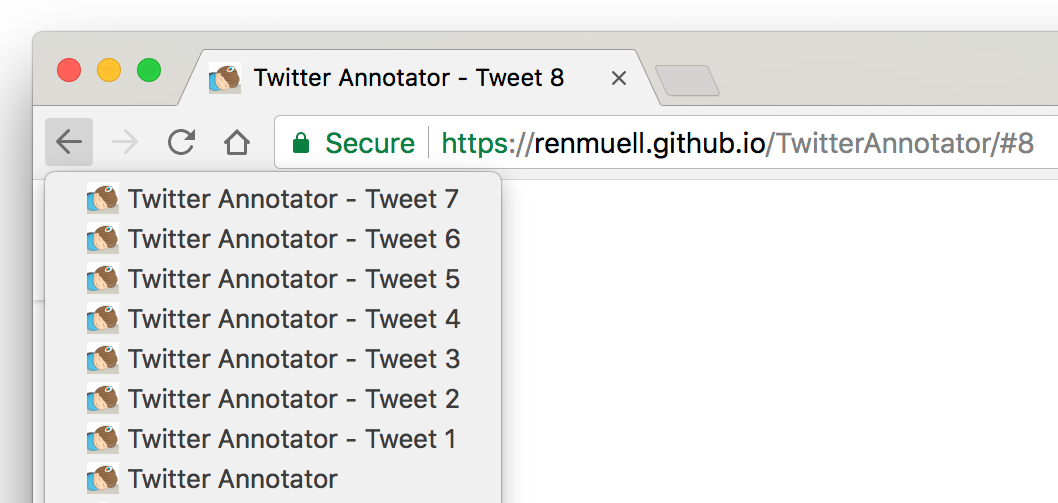
This prototype is a one-page web app but also supports the native browser history to navigate annotated tweets.
Tweet syntax highlight
With the use of the JavaScript library Rainbow, a little syntax highlighting of tweets was implemented.
Keyboard support
While annotating a large set of tweets, I desired a shortcut for annotating. With keyboard support, a large set of tweets can be annotated with minimal movement.

| Key | Action |
|---|---|
| Q | previous Tweet |
| E | next Tweet |
| A | set Irrelevant |
| S | set Neutral |
| D | set Opinionated |
| C | pause/resume |
| W | toggle Help |
JSDoc
http://renmuell.github.io/TwitterAnnotator/jsdoc/
Thanks to
- Twitter - https://twitter.com/
- Font-Awesome - http://fontawesome.io/
- rainbow-1.1.9 - https://craig.is/making/rainbows
- Load Spinner by http://tobiasahlin.com/spinkit/